- eBooks
- Guide Books
- PDF's
- Flipping Books
- Goal Mapping
- Courses (Coming Soon)
- Your Personal Growth

£27.00 Original price was: £27.00.£20.00Current price is: £20.00.
Master Google Meet in hours, not months. Unlock professional-level video conferencing skills that will impress colleagues and clients alike. Limited copies available at this special price!
Are you struggling with awkward virtual meetings? Fumbling with controls while important clients wait? Missing critical features that could make your presentations shine? You’re not alone.
Every day, professionals lose credibility, waste precious time, and miss opportunities because they can’t navigate Google Meet effectively. The frustration builds as you watch others host flawless virtual meetings while you’re still figuring out how to share your screen properly.
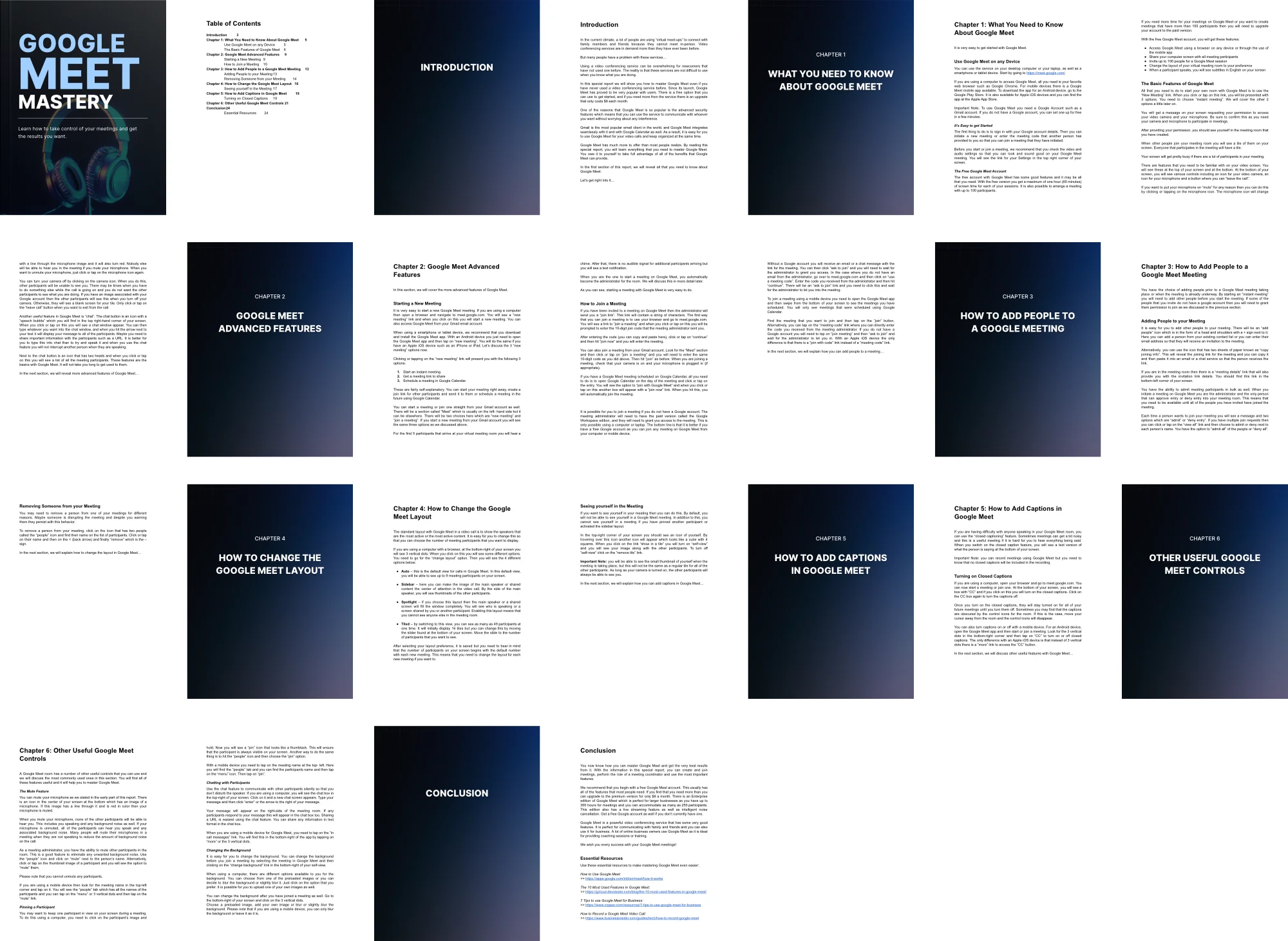
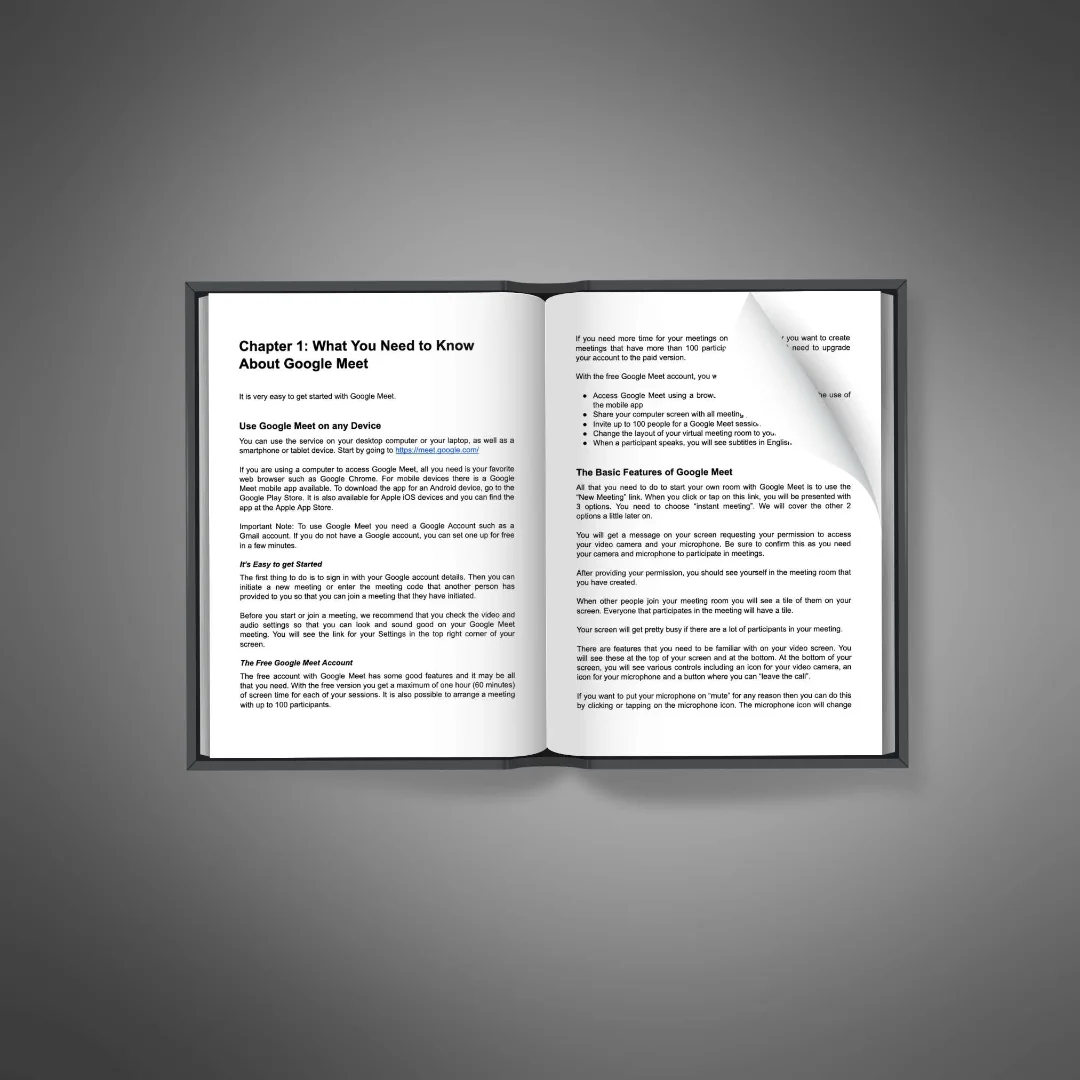
Google Meet Mastery transforms beginners into confident virtual meeting hosts. This comprehensive guide walks you through every feature, shortcut, and integration possibility available in Google Meet.
Whether you’re completely new to video conferencing or looking to enhance your skills, this book delivers value from page one. Learn how to set up perfect lighting, create professional backgrounds, and manage participant controls like an expert.
Discover how to connect Google Meet with Gmail, Calendar, and other Google services to create a powerful, streamlined workflow. Schedule, join, and record meetings with just a few clicks using the integration techniques revealed in this guide.
Limited Time Offer
This knowledge normally takes months of trial and error to acquire. Get instant access to professional-level skills with Google Meet Mastery. The special launch price won’t last long – secure your copy before the price increases!
Key Benefits:
Grab Your Copy,Limited Offer,Secure Your Guide,Master Meetings Now,Almost Sold Out